For SaaS founders

Your help center, drafted from your code.

Docmunk builds a complete help center from your codebase and keeps it current as you ship. Customers get the right answer wherever they ask: in your help center, through your support team, in your chatbot or in ChatGPT.

Start Free 30 Day Trial

30 days. No credit card.

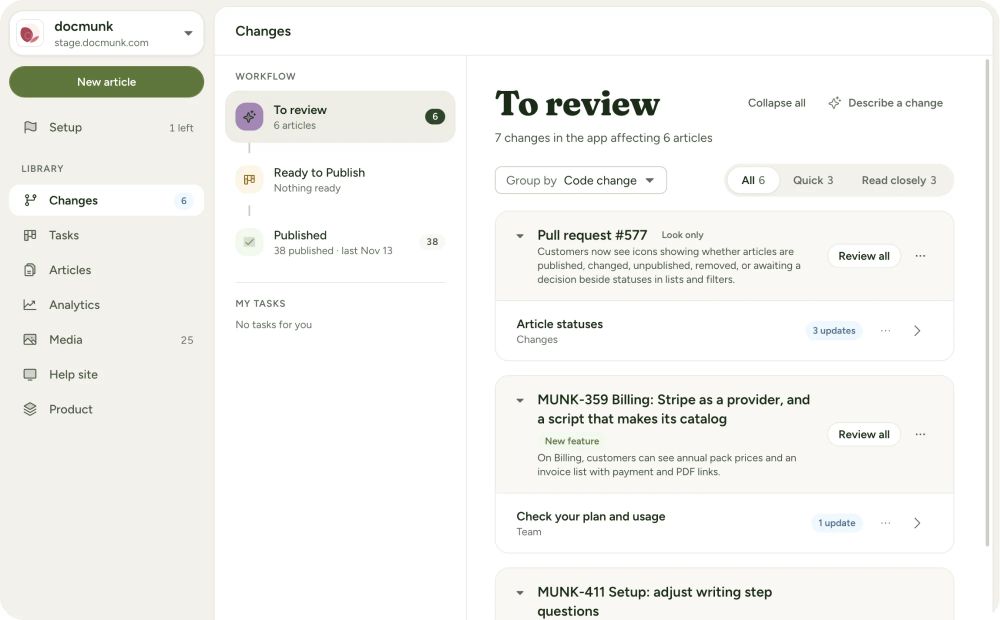
Docmunk’s To review screen, listing the changes in the app that affect help articles, each with its proposed updates.

Docmunk drafted 47 articles for its own help center in 10 minutes.

You shipped the feature. Now someone has to explain it.

Most young SaaS teams don’t have a writer. The help center gets put off, or written once and left behind by the next release. Customers email you instead, and AI tools guess at how your product works.

From code to published help center.

  1. Connect your code. Give Docmunk read-only access to your Git repository and point it at your app. Docmunk figures out your app and builds your help center for you.

  2. Review the draft. Docmunk drafts the articles, screenshots and short videos. You edit, approve and decide what goes live.

  3. Publish and keep shipping. Docmunk monitors your code and proposes updates whenever your product changes.

A complete help center, without a writer.

Start from a finished draft instead of a blank page.

  • Every feature covered. Articles organized into collections, based on what your app actually does.

  • Screenshots and videos included. Docmunk picks a screenshot or a short animated video for each step and captures it from your app.

  • Every plan and device. Images for each plan and role, in light and dark, on desktop, tablet and phone.

  • Your voice. Set your tone and writing rules once. Docmunk follows them in every article.

  • Run it by chat. Ask the Docmunk Agent for changes, or work from your own AI tool through the Docmunk MCP.
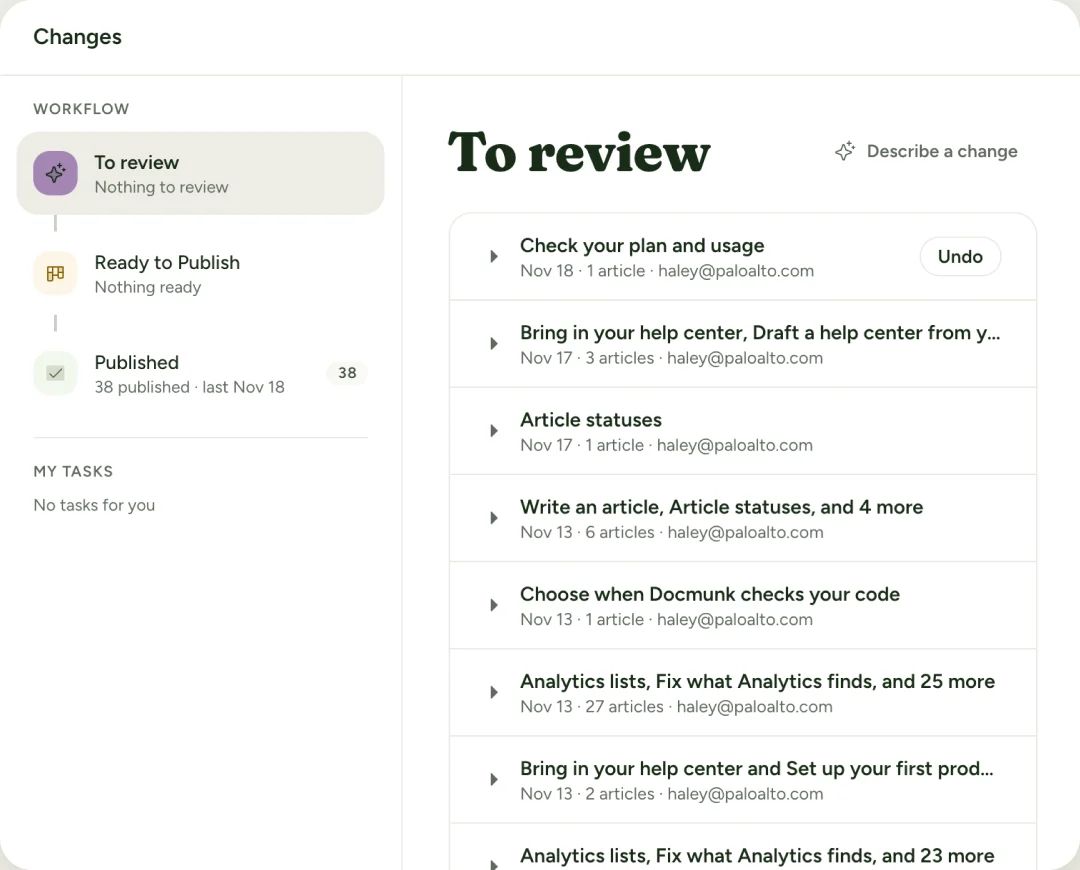
Docmunk’s Changes workflow, with a To review list of drafted article updates.

Right answers, wherever your customers ask.

Your customers won’t only read your help center. They’ll ask your support team, your chatbot and ChatGPT. Docmunk makes sure every one of them works from the same current docs.

  • In your help center. Quick answers take customers from a plain-language question to the right part of the right article.

  • In your support tool. Your ticketing system replies with the right answers because your help center is current - not left behind by the last release.

  • In your chatbot. Your own chatbot or in-app assistant can use all your Docmunk content through MCP.

  • In ChatGPT, Claude and AI search. Your help center is ready for AI tools from day one, with AI crawler access, a sitemap, structured data and llms.txt, so they learn your product from accurate, current docs.

  • Know what’s missing. See which questions went unanswered. Docmunk automatically drafts new articles based on user questions that didn’t have a good answer.

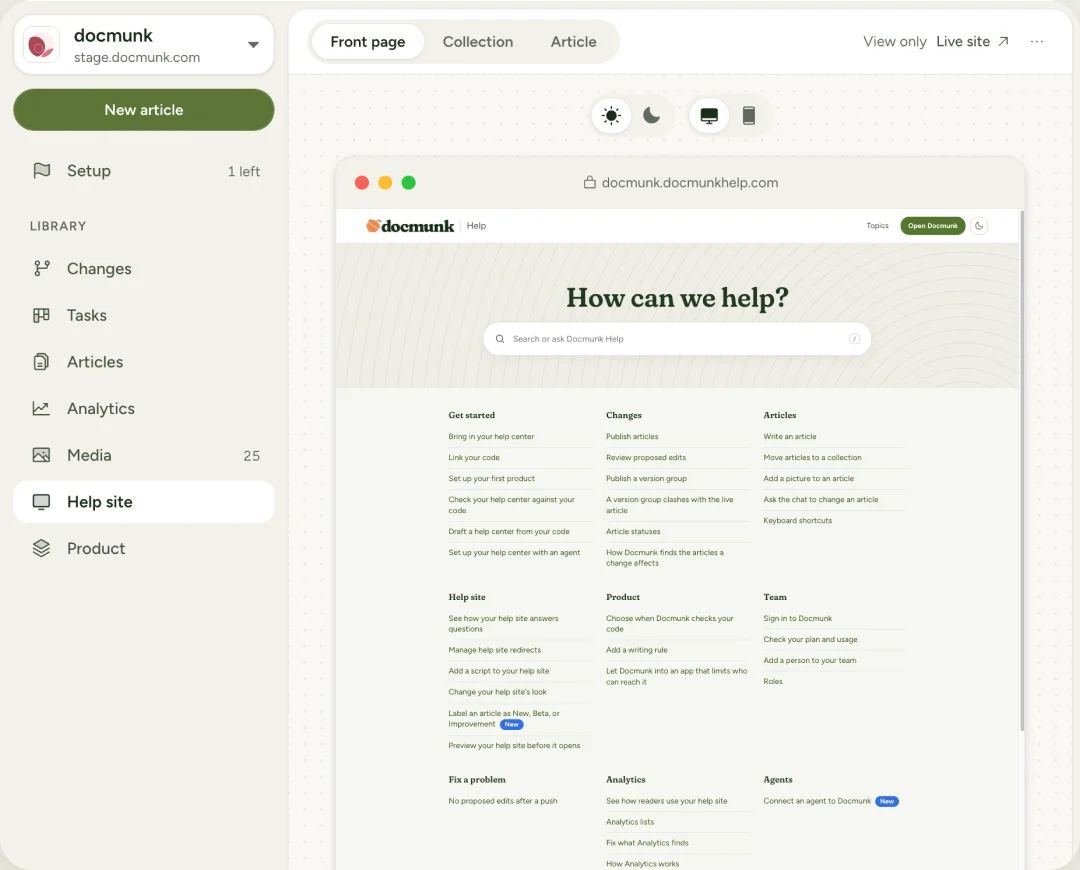
A Docmunk help center’s front page, previewed inside Docmunk’s Help site editor.

Keeps up with every release

  • Finds what changed. Docmunk spots every article and screenshot a release affects and drafts the update.

  • Docs ship with features. Stage articles to a release and publish them together when it goes out.

  • You approve everything. Nothing publishes without your OK.

Looks like your site

  • Your brand. Logo, colors and styles matched to your site.

  • Your layout. Navigation, templates, themes, header, footer, plus custom CSS and scripts.

  • Your domain. Such as help.yourcompany.com, on every plan.

  • Bring what you have. Already have some docs? We migrate them and handle the redirects.

We run our own products on it.

Docmunk’s own help center was drafted by Docmunk: 47 articles in 10 minutes. LivePlan’s help center runs on Docmunk, and so do Plannery and the open source project Baritoad.

See them live
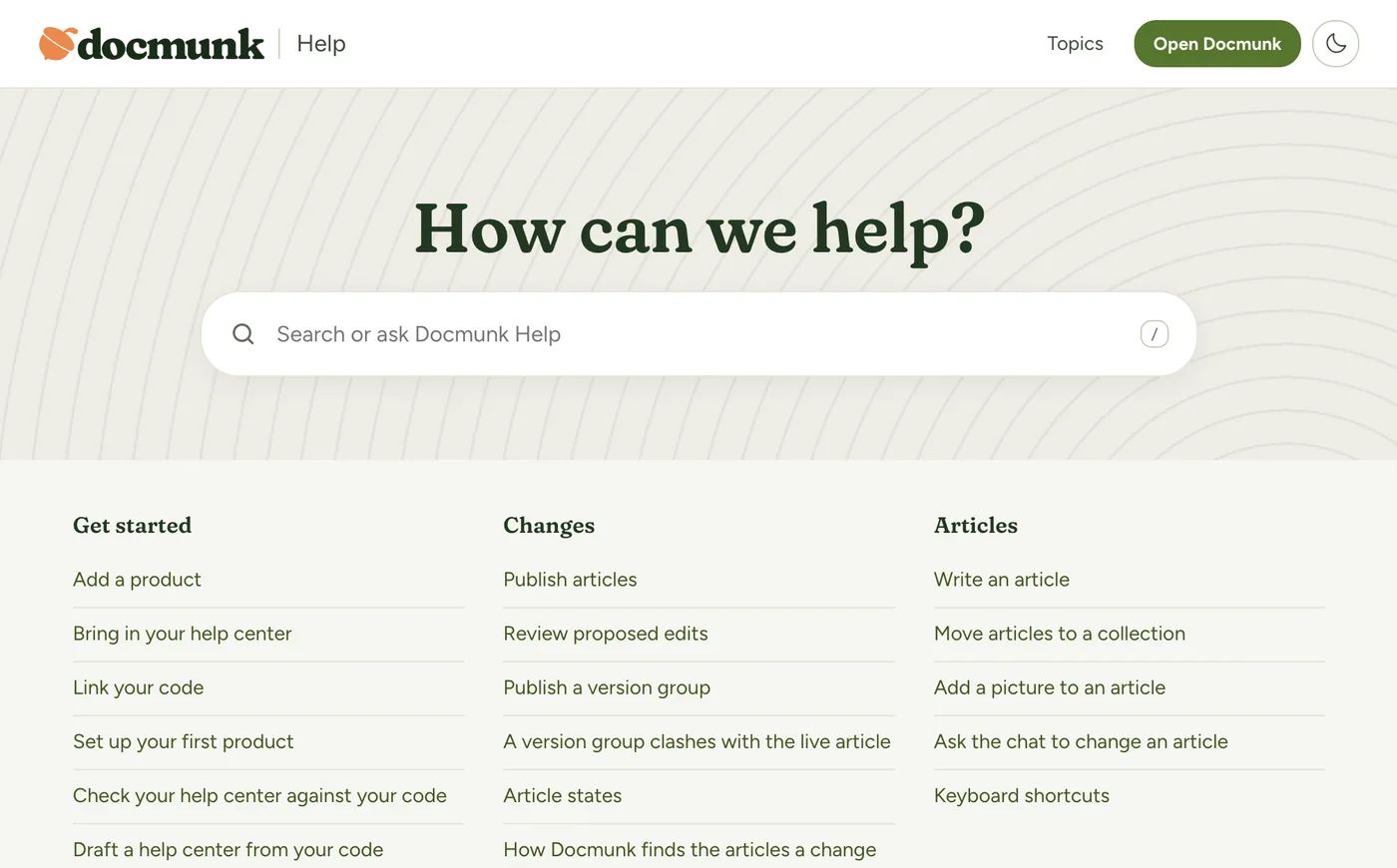
The Docmunk help center: a search box under “How can we help?” above article lists for Get started, Changes and Articles.

Questions?

Do I need a writer?

No. Docmunk drafts every article from your code. You review and approve.

Is my code safe?

Docmunk gets read-only access to the repositories you choose and can’t change your code.

See what we access

Which code hosts work?

Any Git-based host, including GitHub, GitLab and Bitbucket.

Will ChatGPT and other AI tools be able to use our docs?

Yes. Docmunk help centers include AI crawler access, a sitemap, structured data and llms.txt. No one can guarantee an AI tool will cite you, but what it finds will be current.

What does it cost?

Plans start at $99 a month. Early-stage companies pay $49 a month for their first year, and open source projects are free.

See pricing

See your help center drafted from your code.

Start Free Trial
  • 30-day free trial, no credit card
  • Hands-on onboarding included
  • Read-only access to your code
  • Nothing publishes without your approval